
Weapon Shop
Weapons, ammo, and anything for killing and looting.
Requirements
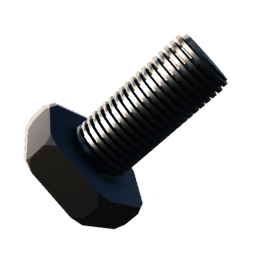
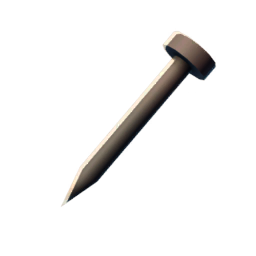
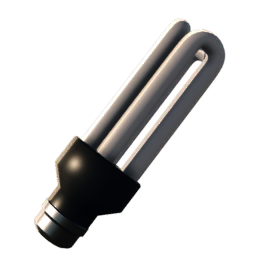
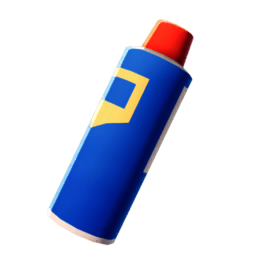
Required Quests
Required Buildings

Shop
Weapon Shop
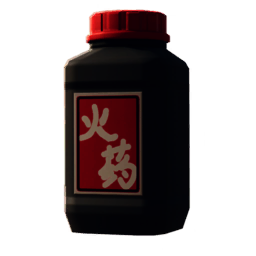
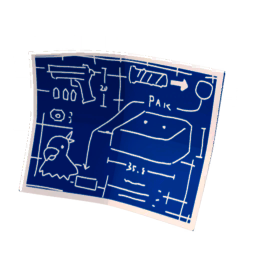
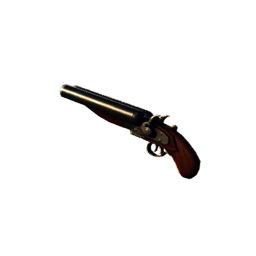
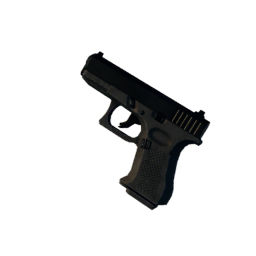

- Unlock requirements unknown or purchase not yet available
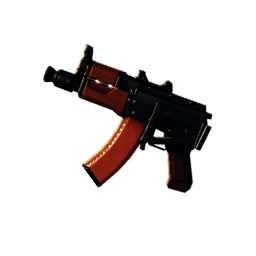
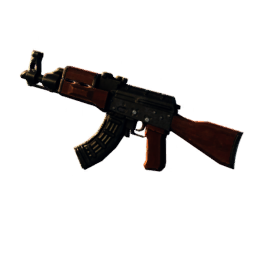
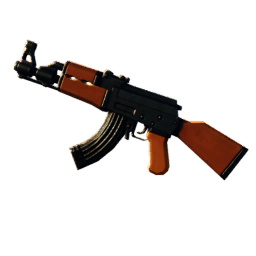
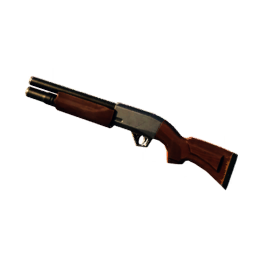
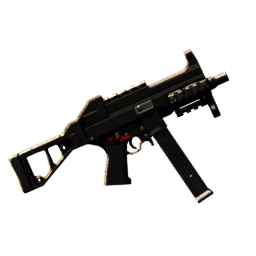
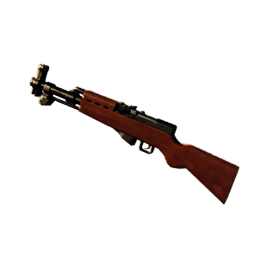
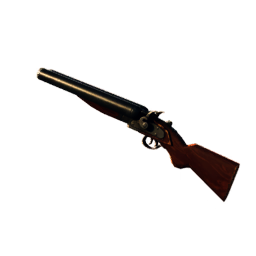
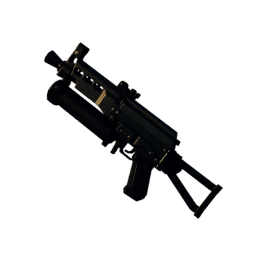
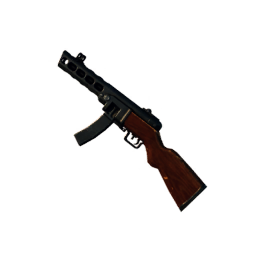
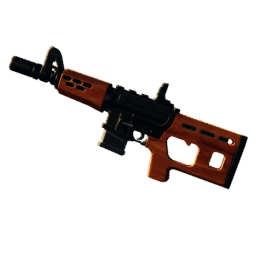
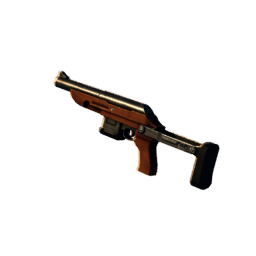
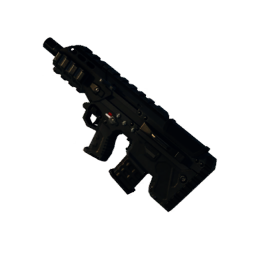
- Unlock requirements unknown or purchase not yet available
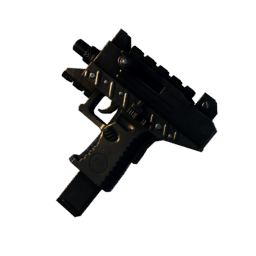
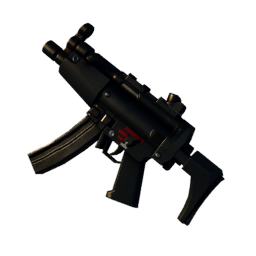
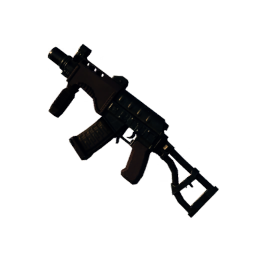
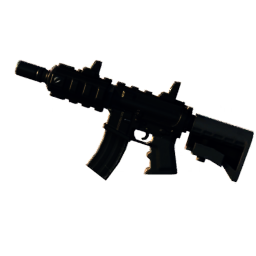
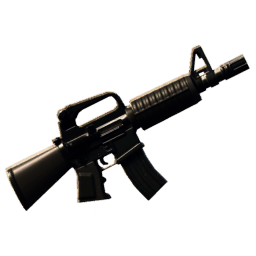
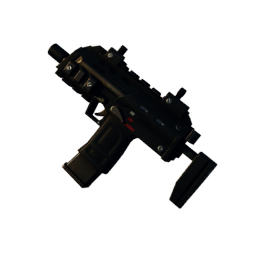
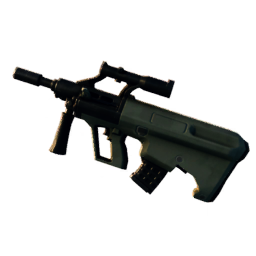
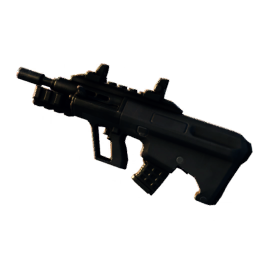
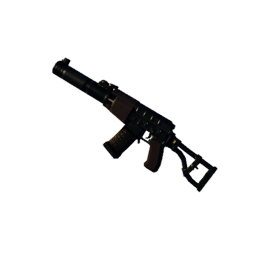
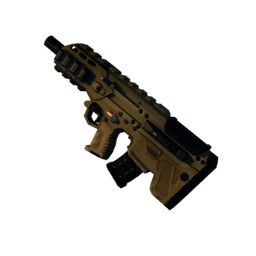
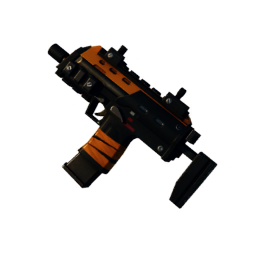
- Unlock requirements unknown or purchase not yet available
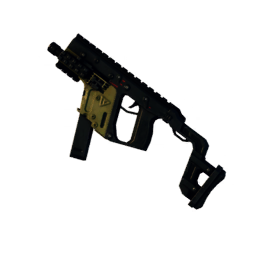
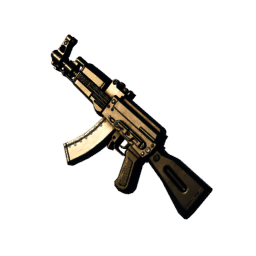
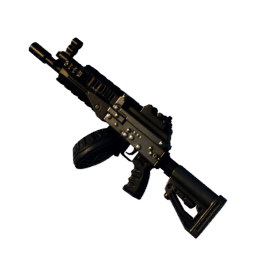
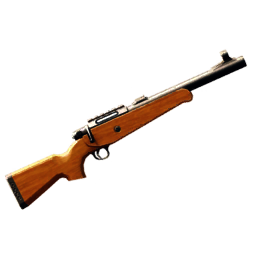
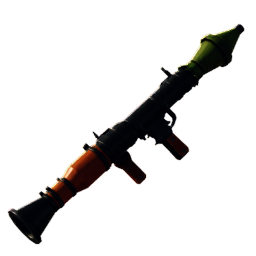
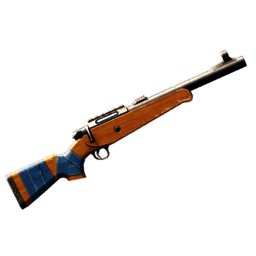
- Unlock requirements unknown or purchase not yet available
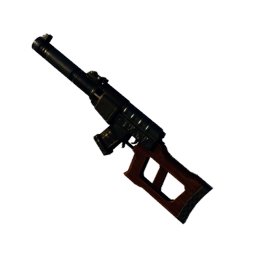
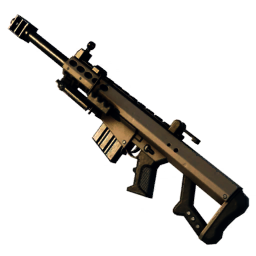
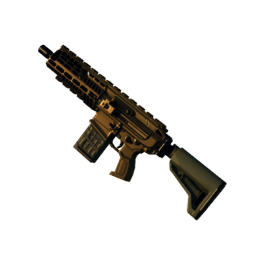
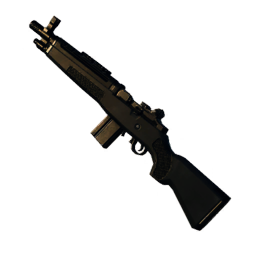
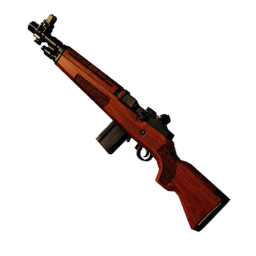
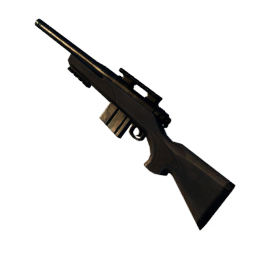
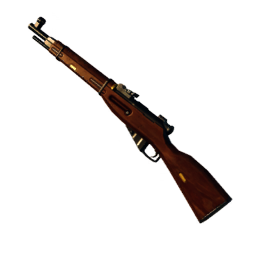
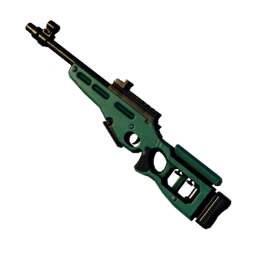
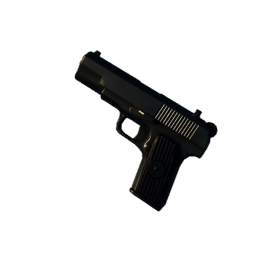
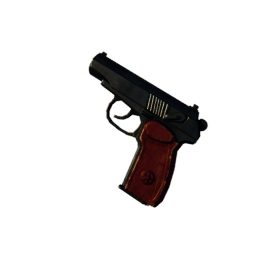
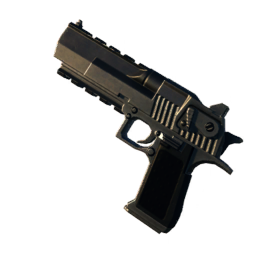

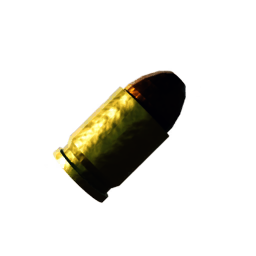
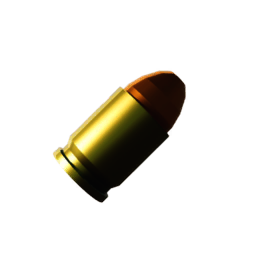
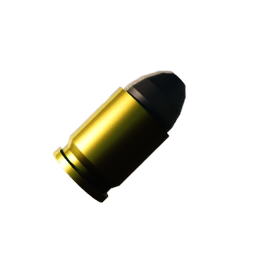
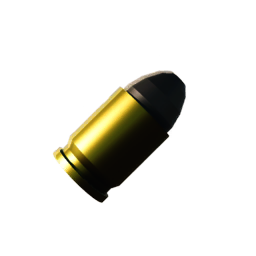
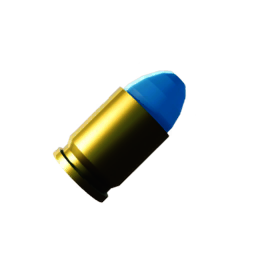
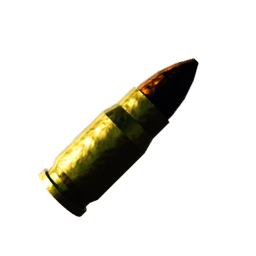
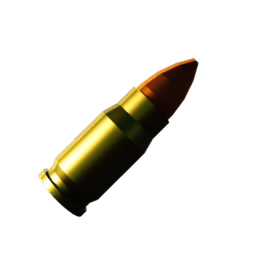
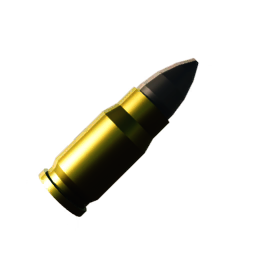
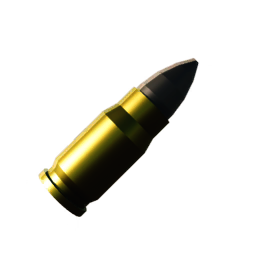
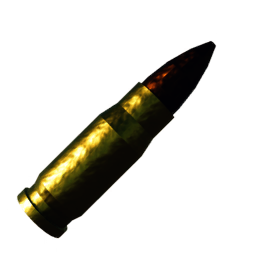
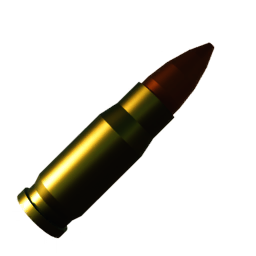
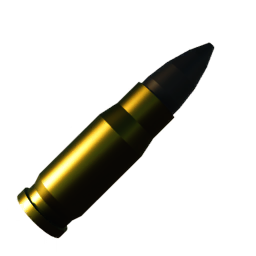
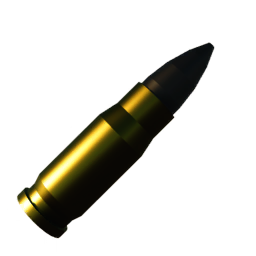
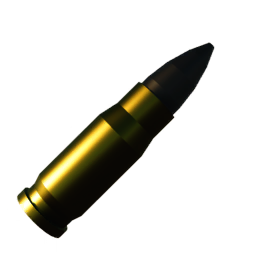
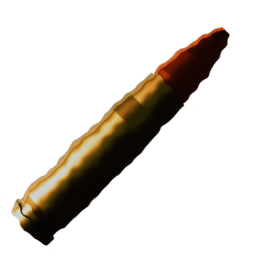
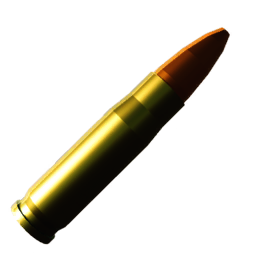
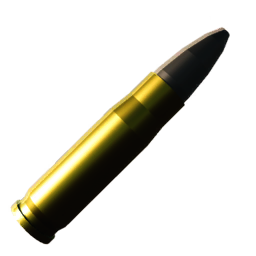
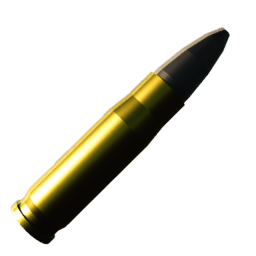
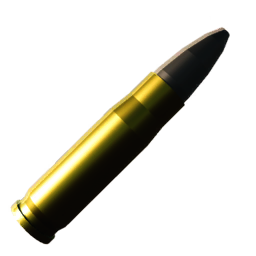
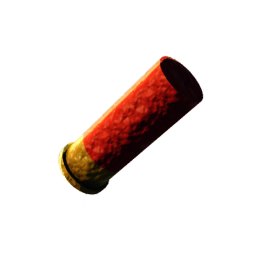
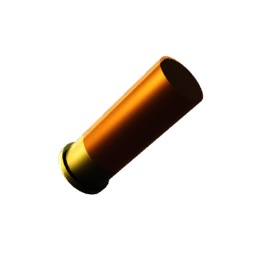
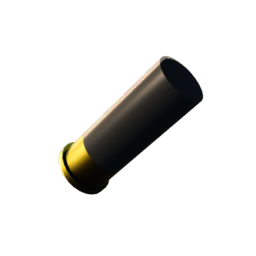
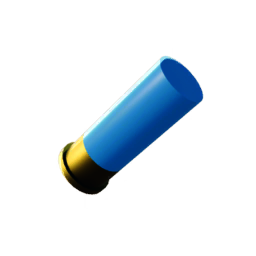
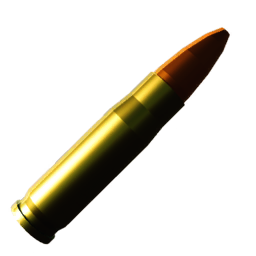
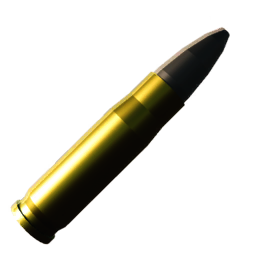
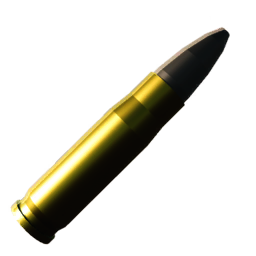
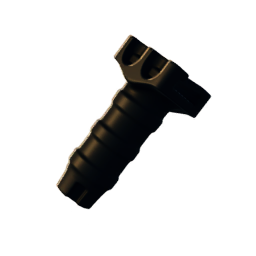
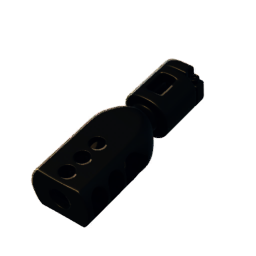
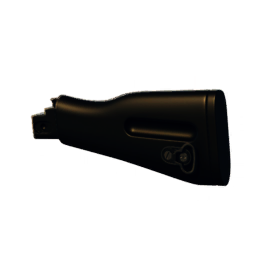
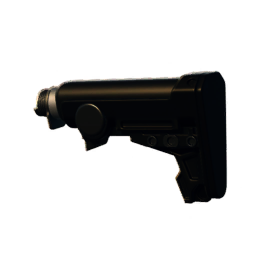
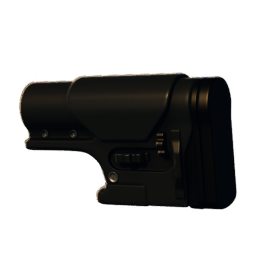
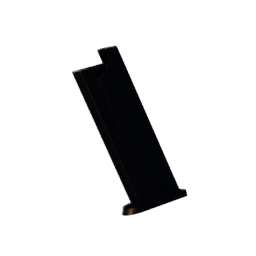
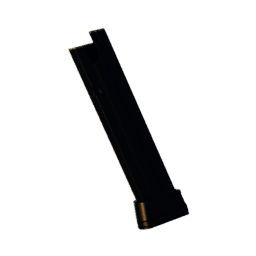
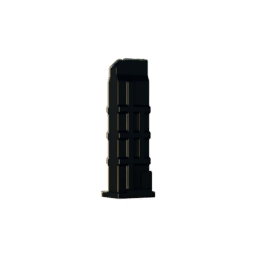
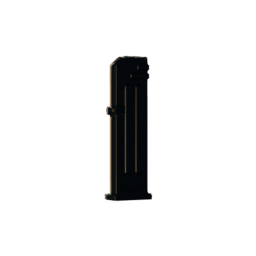
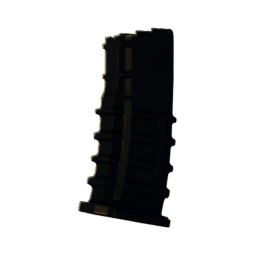
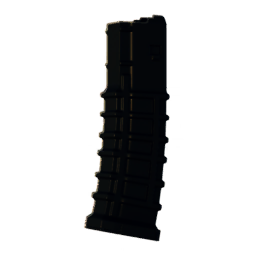
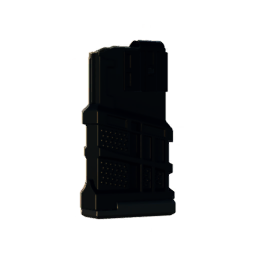
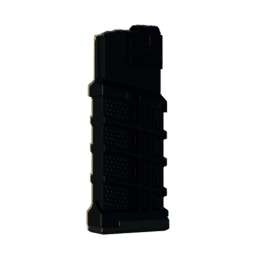
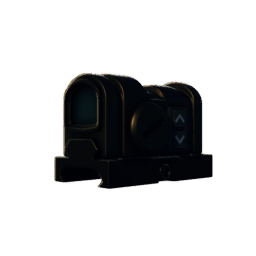
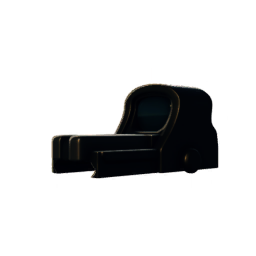
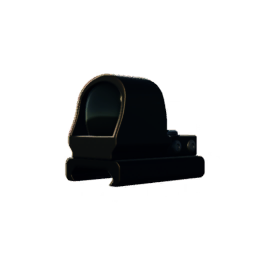
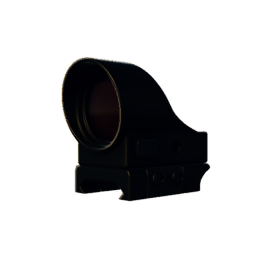
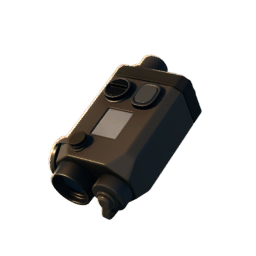
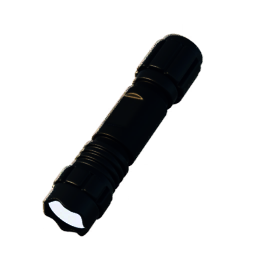
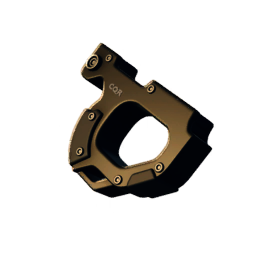
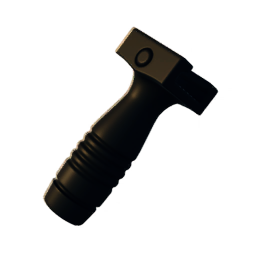
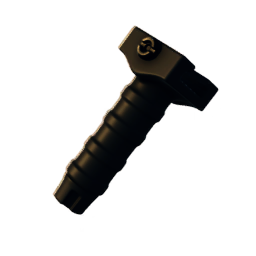
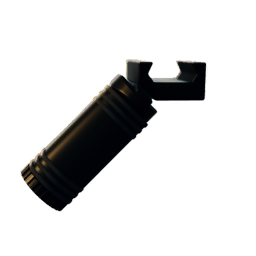
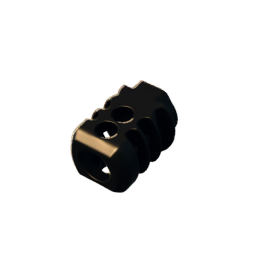
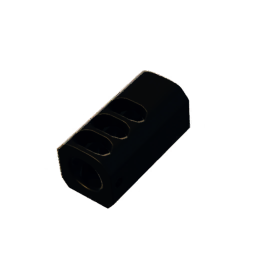
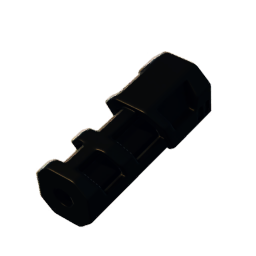
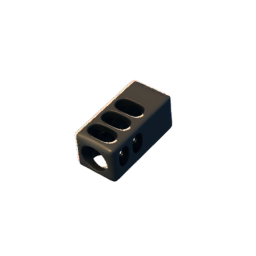
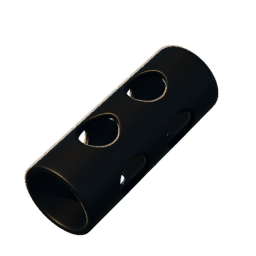
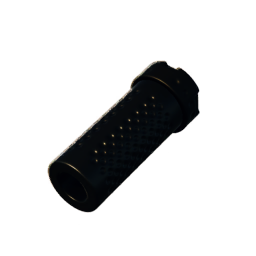
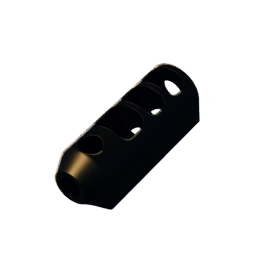
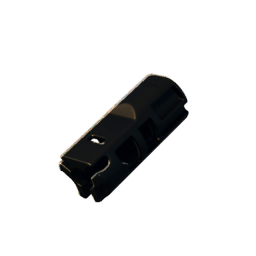
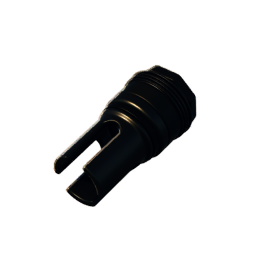
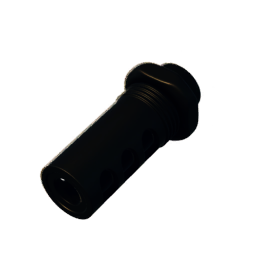
- Unlock requirements unknown or purchase not yet available
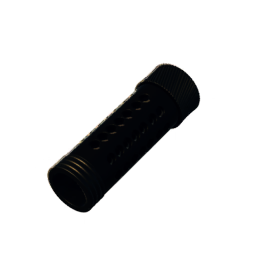
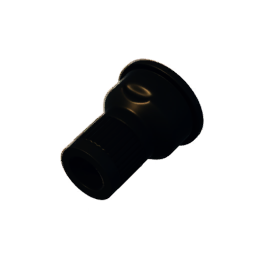
- Unlock requirements unknown or purchase not yet available
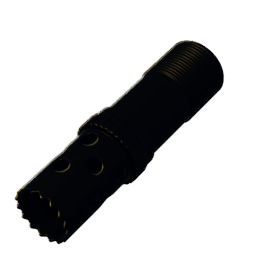
- Unlock requirements unknown or purchase not yet available
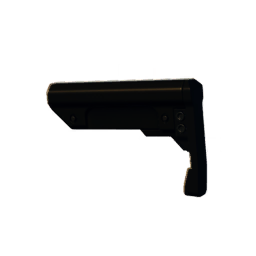
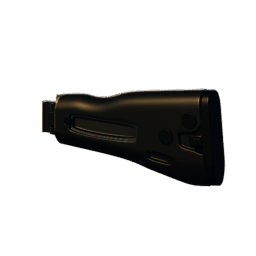
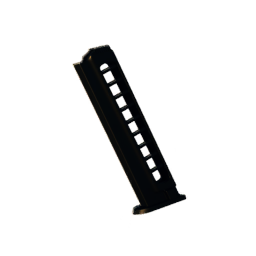
- Unlock requirements unknown or purchase not yet available
- Unlock requirements unknown or purchase not yet available
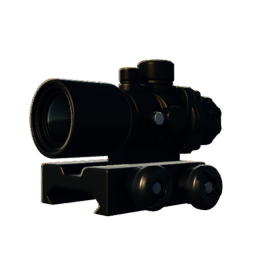
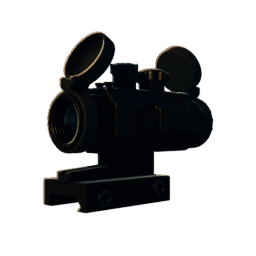
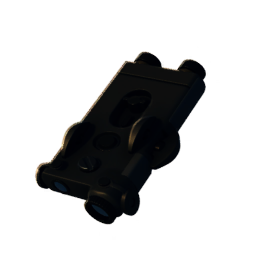
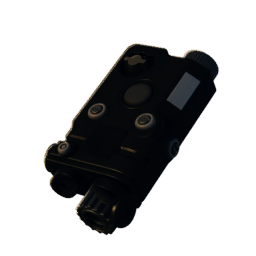
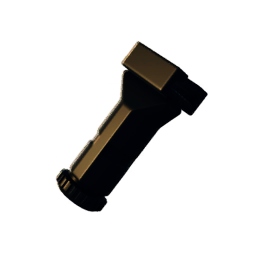
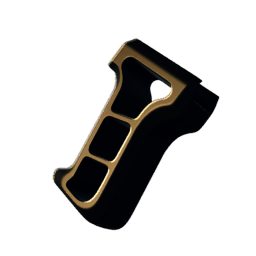
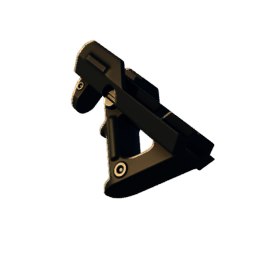
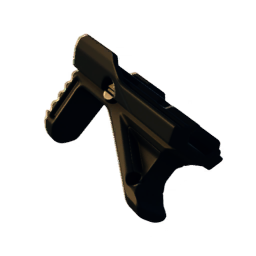
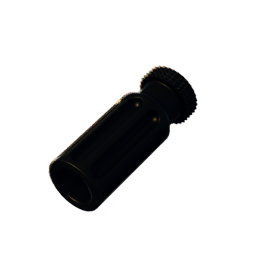
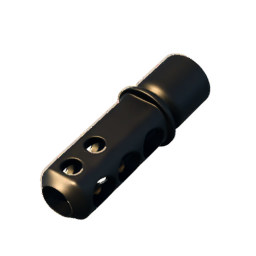
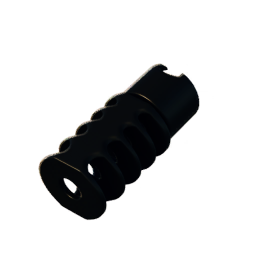
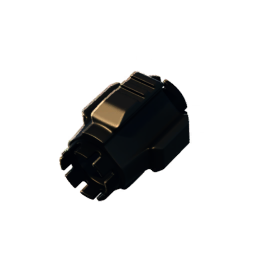
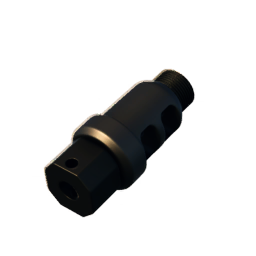
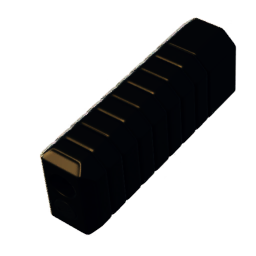
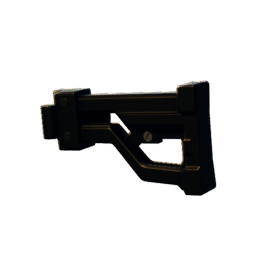
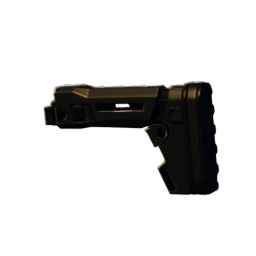
- Unlock requirements unknown or purchase not yet available

How to Build a Building
How to Build a Building
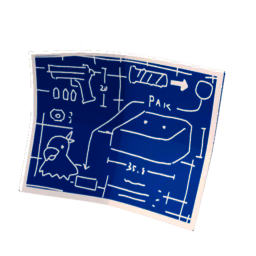
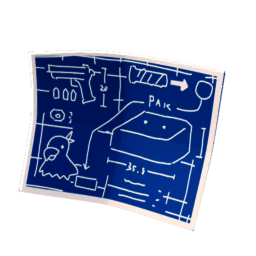
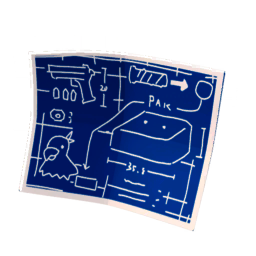
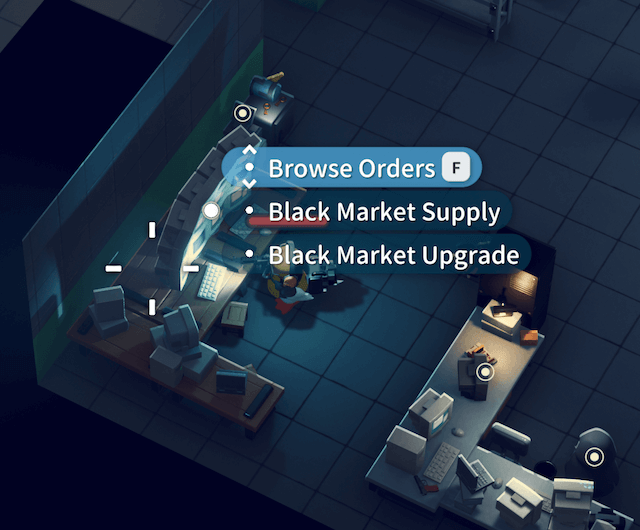
To the right of the player's spawn point, you can see a table with building blueprints. Interact with it to enter the building interface.
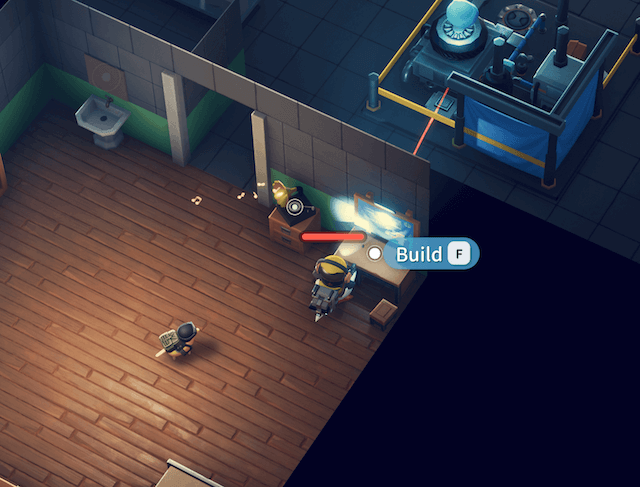
This will display the list of currently unlocked buildings and the required materials.
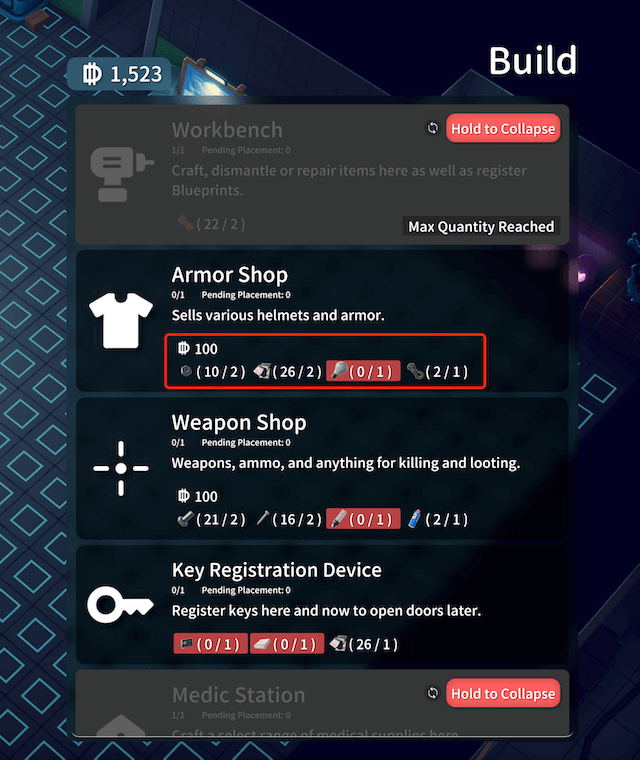
When you have enough materials, the building menu item will turn green. Click it to enter placement mode. In placement mode, press Q / E keys to rotate, and use the mouse or keyboard to move the building position.
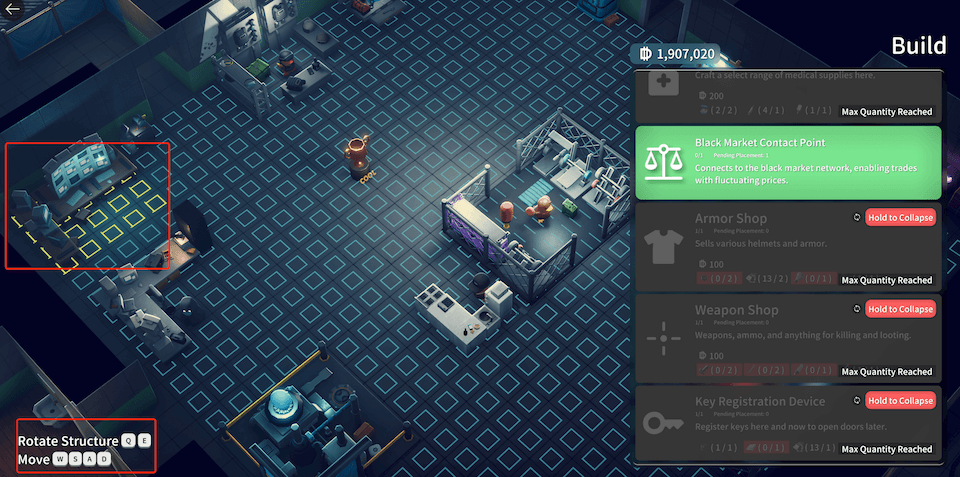
Click the left mouse button to place. After placement, you can interact with the building normally.
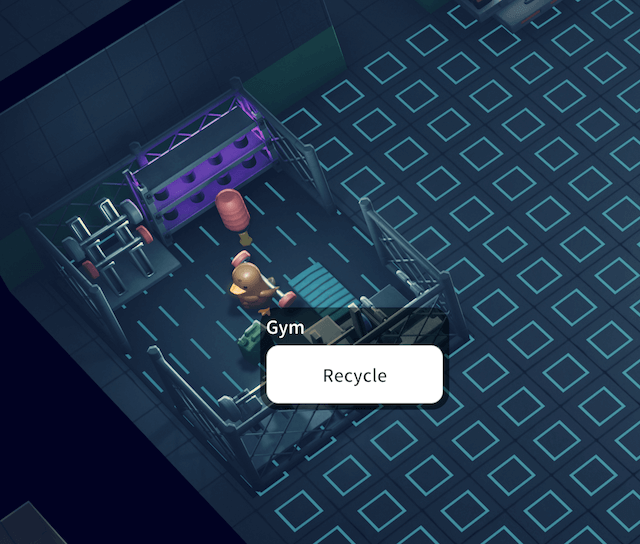
If you want to move the position, re-enter building mode. In building mode, right-click to recycle, and the building will return to the building menu list without any loss. You can place it again.
If you don't know how to unlock a building, please visit the Building List, enter the corresponding building page, and check the prerequisites.