




Buildings

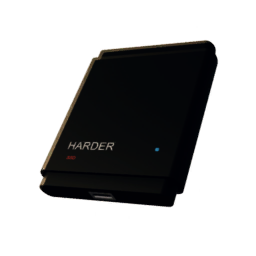
ATM

ATM

Deposit or withdraw cash here.

View Details
Restroom

Restroom

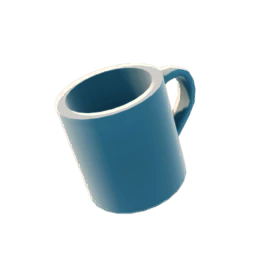
Provides clean water—at least it's not muddy.

View Details
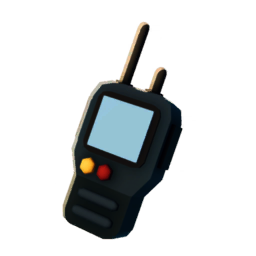
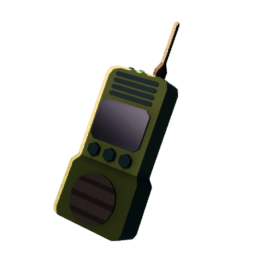
Black Market Contact Point​

Black Market Contact Point​

Connects to the black market network, enabling trades with fluctuating prices.

View Details
Commemorative Trophy

Commemorative Trophy

Completion Souvenir

Cost
View Details
Dining Table

Dining Table

You can have your food here.

View Details
Arcade Cabinet

Arcade Cabinet

A place to play games.

Cost
10,000
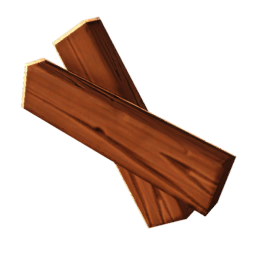
WoodWood ×2+ 1 items
View Details
Gym

Gym

A place to train your body and mind... huh?

View Details
Kitchen

Kitchen

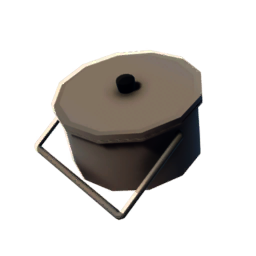
Vogo's kitchen. Cook meals to restore energy and hydration.

View Details
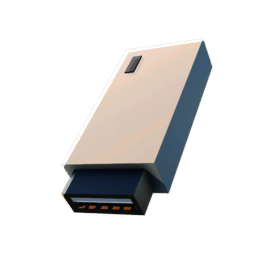
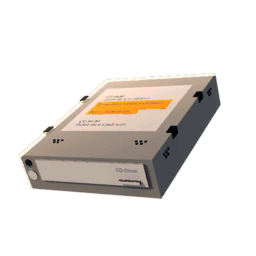
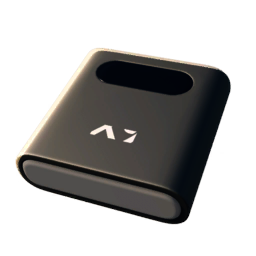
Key Registration Device

Key Registration Device

Register keys here and now to open doors later.

View Details
Medic Station

Medic Station

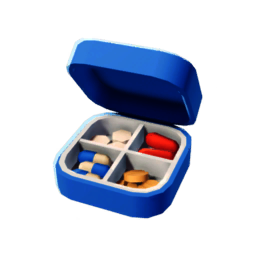
Craft a select range of medical supplies here.

View Details
Armor Shop

Armor Shop

Sells various helmets and armor.

View Details
Tech Center

Tech Center

Just two computer desks.

View Details
Variety Shop

Variety Shop

You can buy various medicines and goods, or sell items for money.

View Details
Weapon Shop

Weapon Shop

Weapons, ammo, and anything for killing and looting.

View Details
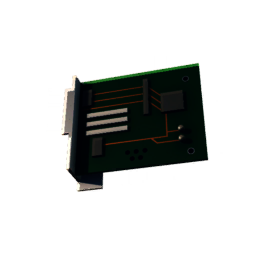
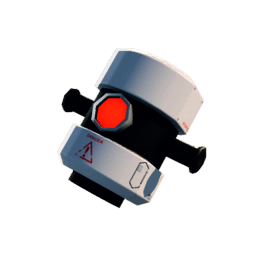
Prototype Machine

Prototype Machine

Upgrade your skills here to improve survival and combat abilities.

View Details
Teleporter

Teleporter

Allows you to depart from more locations.

View Details
Simple Workbench

Simple Workbench

Craft basic items here.

View Details
Workbench

Workbench

Craft, dismantle or repair items here as well as register Blueprints​.

View Details

How to Build a Building

How to Build a Building

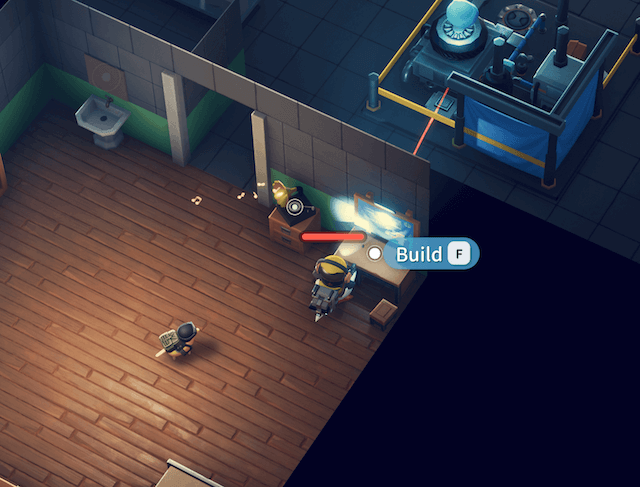
To the right of the player's spawn point, you can see a table with building blueprints. Interact with it to enter the building interface.
duckov-build-a-building

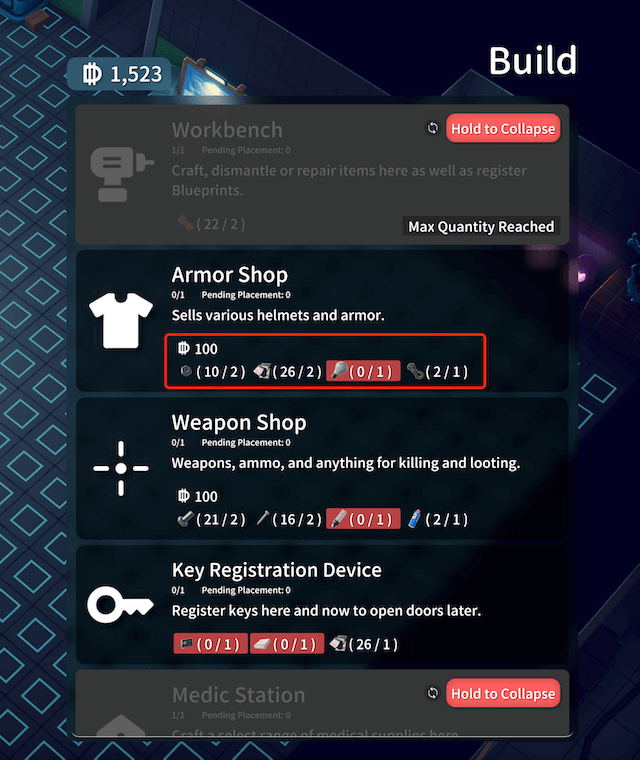
This will display the list of currently unlocked buildings and the required materials.
duckov-building-list

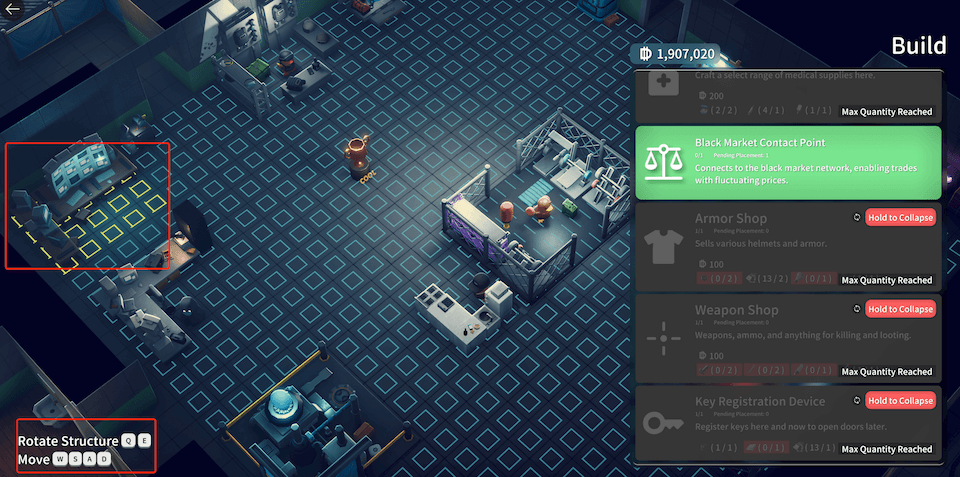
When you have enough materials, the building menu item will turn green. Click it to enter placement mode. In placement mode, press Q / E keys to rotate, and use the mouse or keyboard to move the building position.
duckov-placement-of-buildings

Click the left mouse button to place. After placement, you can interact with the building normally.
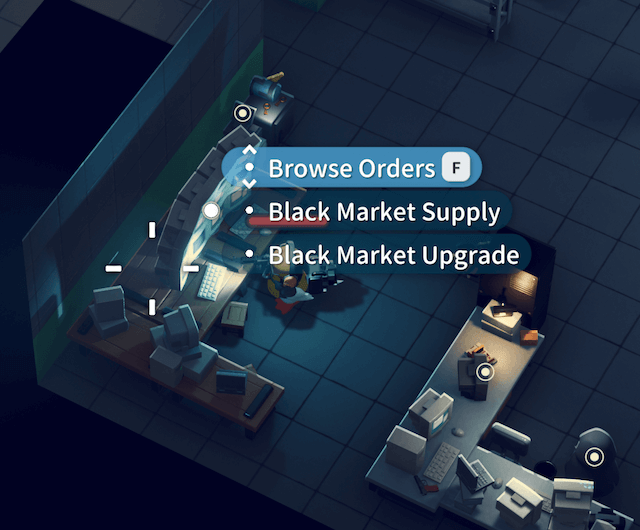
duckov-interacting-with-building

If you want to move the position, re-enter building mode. In building mode, right-click to recycle, and the building will return to the building menu list without any loss. You can place it again.
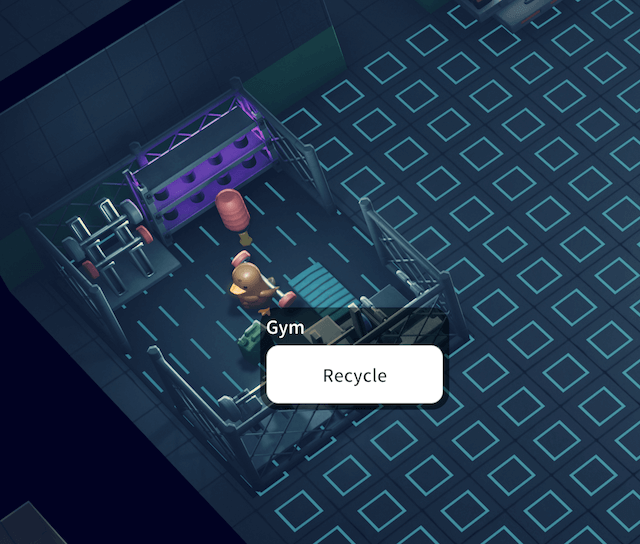
duckov-recycle-building

If you don't know how to unlock a building, please visit the Building List, enter the corresponding building page, and check the prerequisites.

Comprehensive Escape From Duckov wiki with detailed game information, guides, maps, weapons, combat mechanics, base building strategies, and character progression systems.
© 2025 Escape From Duckov. All rights reserved.