Weapon Comparator
Compare multiple weapons to understand Escape From Duckov weapon DPS and attribute differences
Weapon List
Usage Instructions
This tool can be used to compare DPS and other attributes of 2-5 weapons. You can intuitively understand the DPS levels and performance differences of each weapon.
DPS Calculation Formula
The weapon comparator uses the following formulas to calculate DPS:
Expected Damage
Expected damage takes into account critical hit rate and critical damage multiplier:
Expected Damage = Base Damage × (1 + Crit Rate × (Crit Damage Multiplier - 1))
DPS (No Reload)
No reload DPS is used to calculate damage per second during continuous firing:
DPS (No Reload) = Expected Damage × Fire Rate
DPS (With Reload)
DPS with reload is used to calculate average damage per second including reload time:
DPS (With Reload) = (Expected Damage × Capacity) / (Capacity / Fire Rate + Reload Time)
Special Notes
- Melee weapons (tagged as MeleeWeapon) use "Attack Speed" instead of "Fire Rate" for calculation
- Melee weapons do not calculate reload DPS, as they have no concept of magazine capacity or reload time
Basic Tutorial
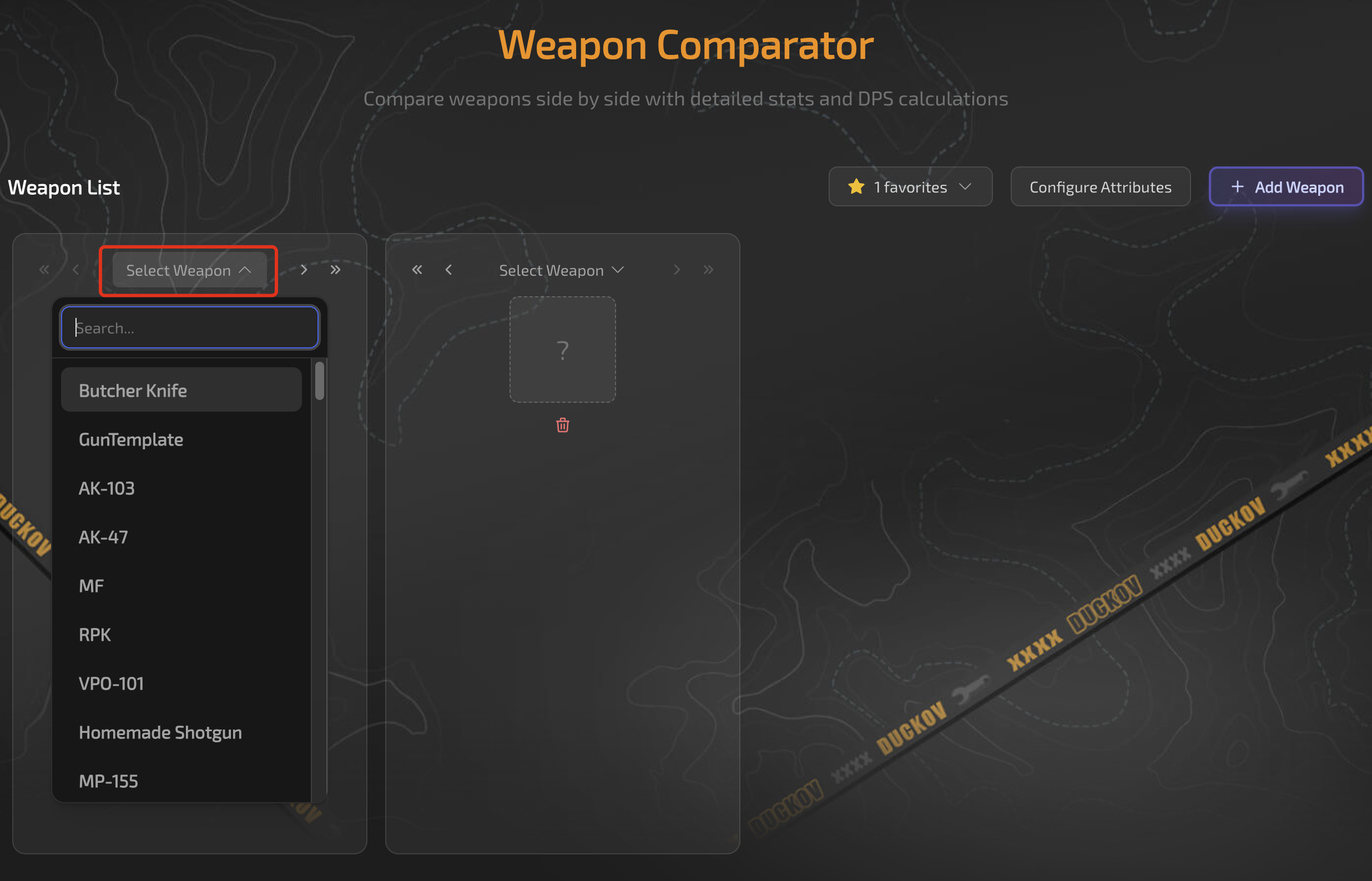
First, add the weapons you want to compare here. The dropdown allows you to search by weapon name or ID.
Then, you can see the attribute differences of the weapons here. The first weapon is used as the baseline by default.
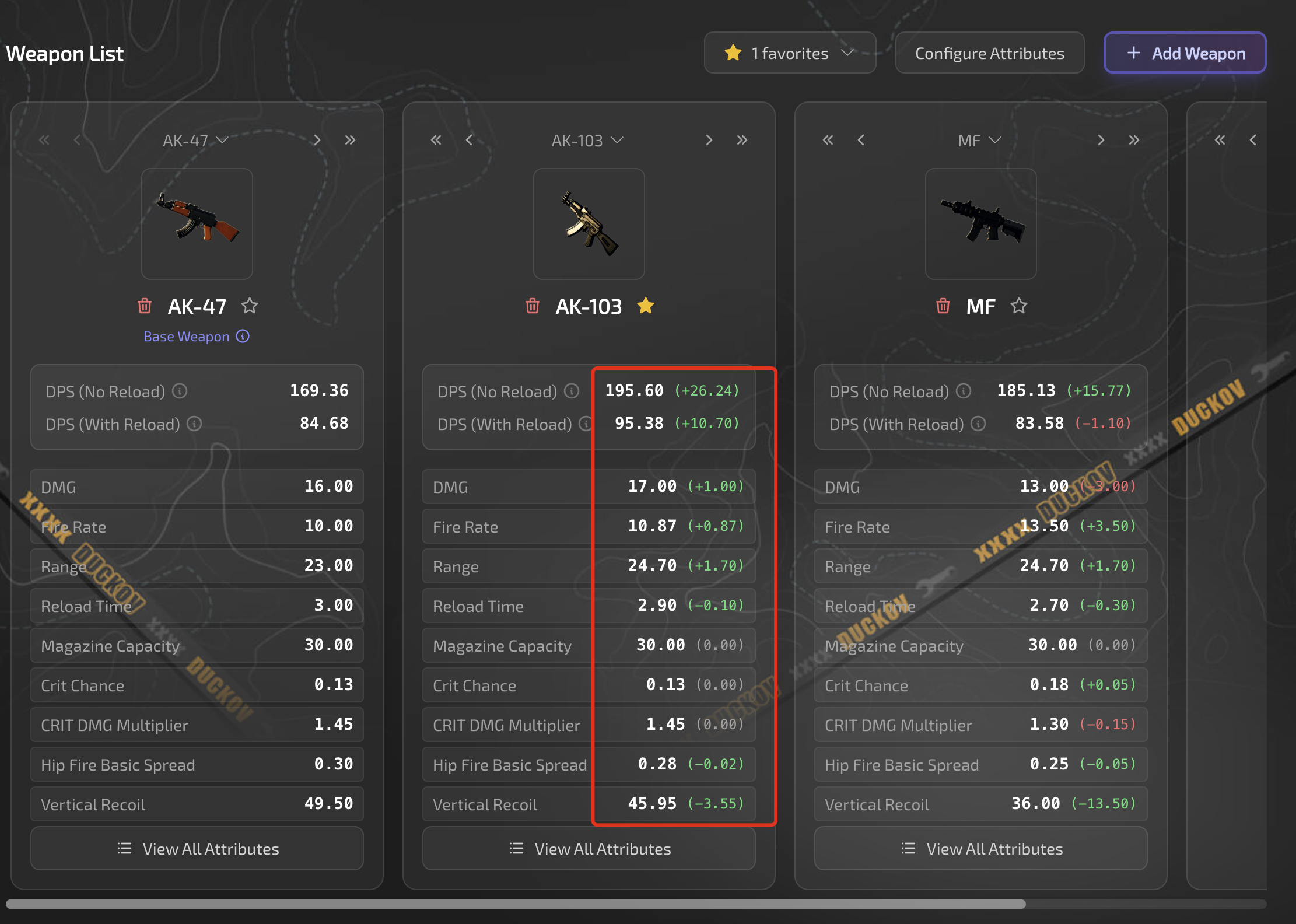
You can switch weapons at any time by clicking the dropdown above the weapon card.
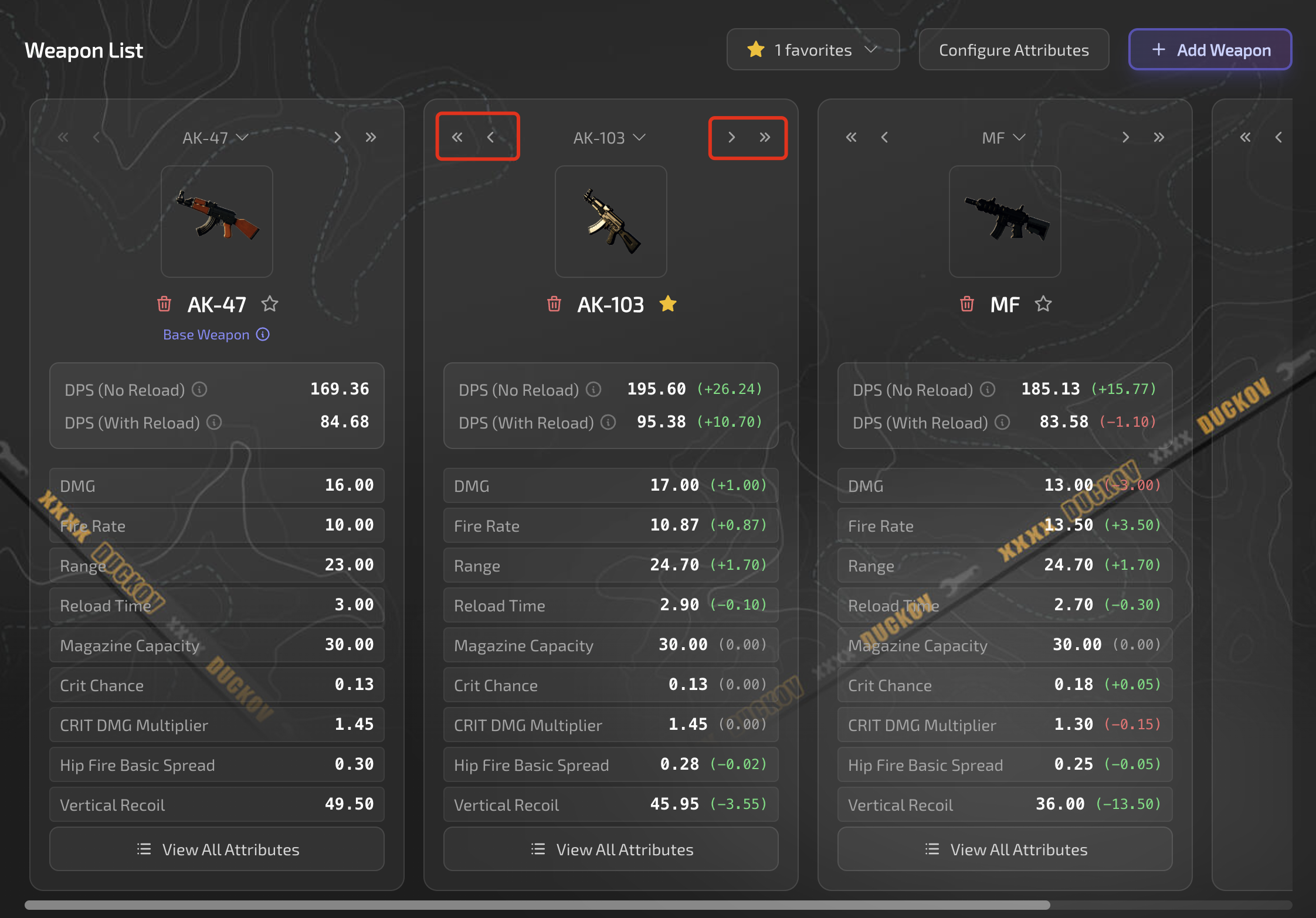
This comparator uses the first weapon as the baseline weapon by default, meaning that the attribute differences of weapons on the right are calculated relative to the first weapon. If you want to use a different weapon as the baseline, you can use the sorting buttons at the top of the weapon card to adjust the weapon card order, moving it to the first position.
These buttons represent: move to leftmost, move left one position, move right one position, move to rightmost.
If you need to add more weapons to compare, click this button and select a weapon.
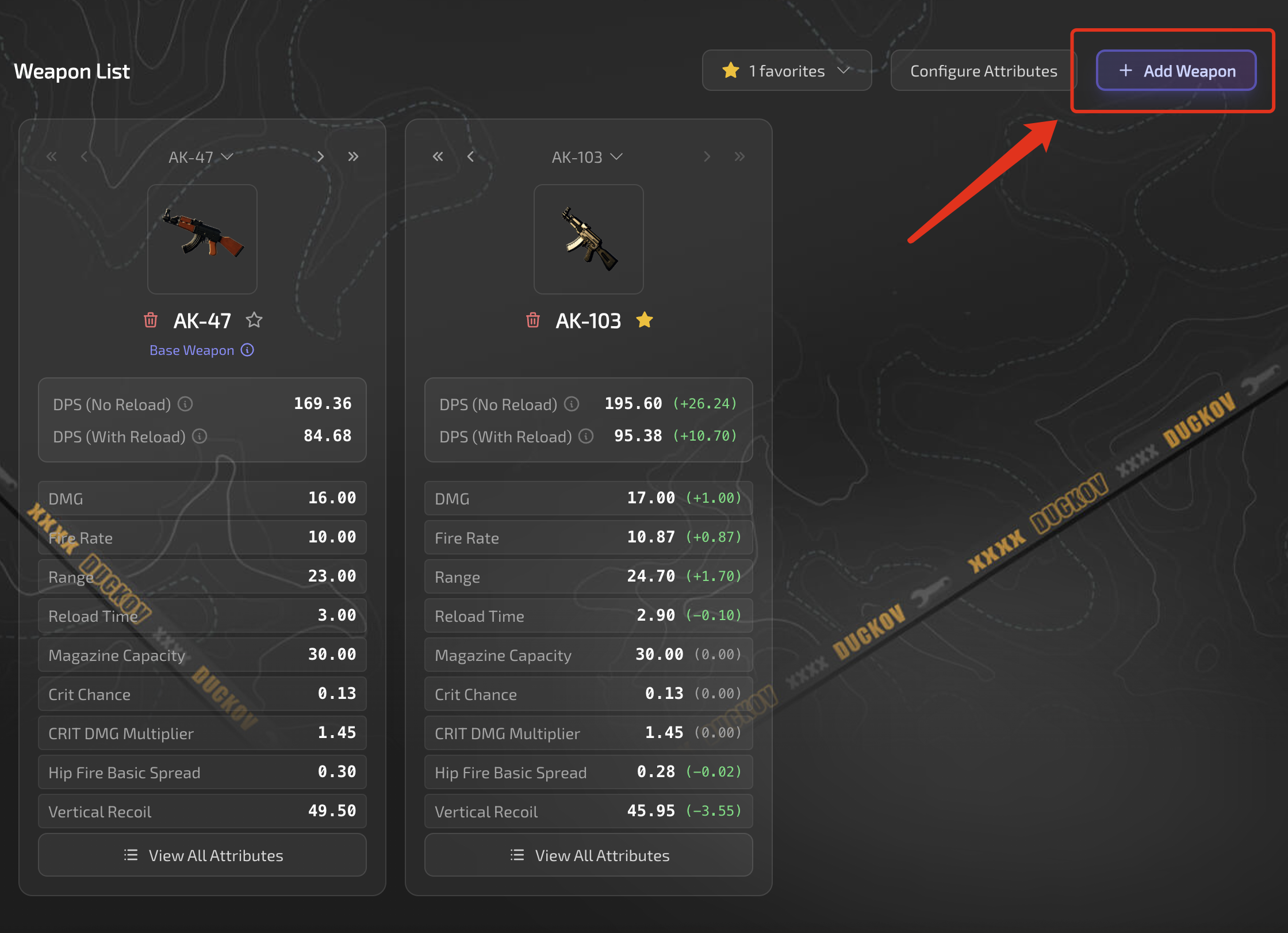
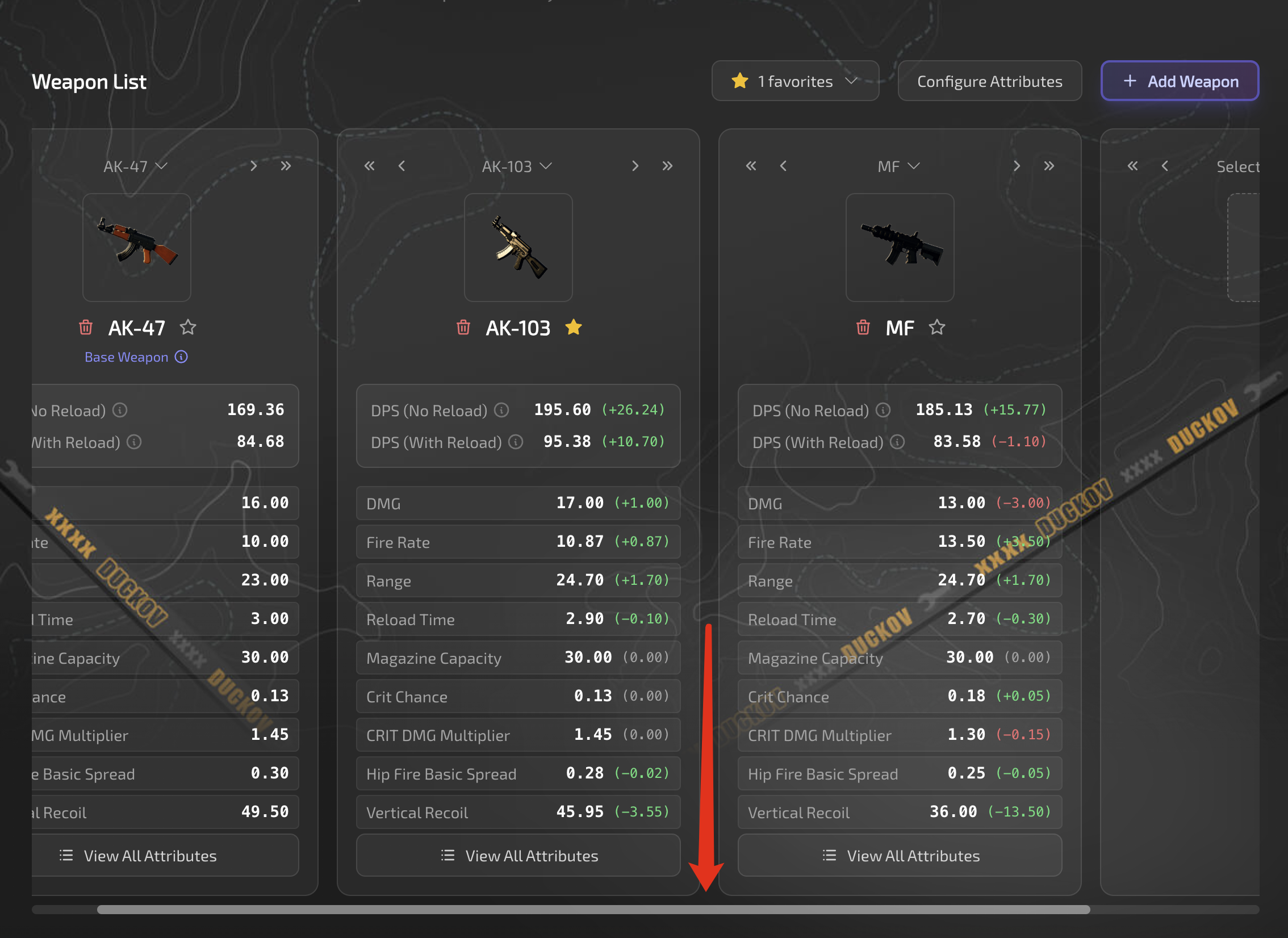
You can compare up to 5 weapons at the same time. You can scroll using the scrollbar at the bottom.
Advanced Tutorial
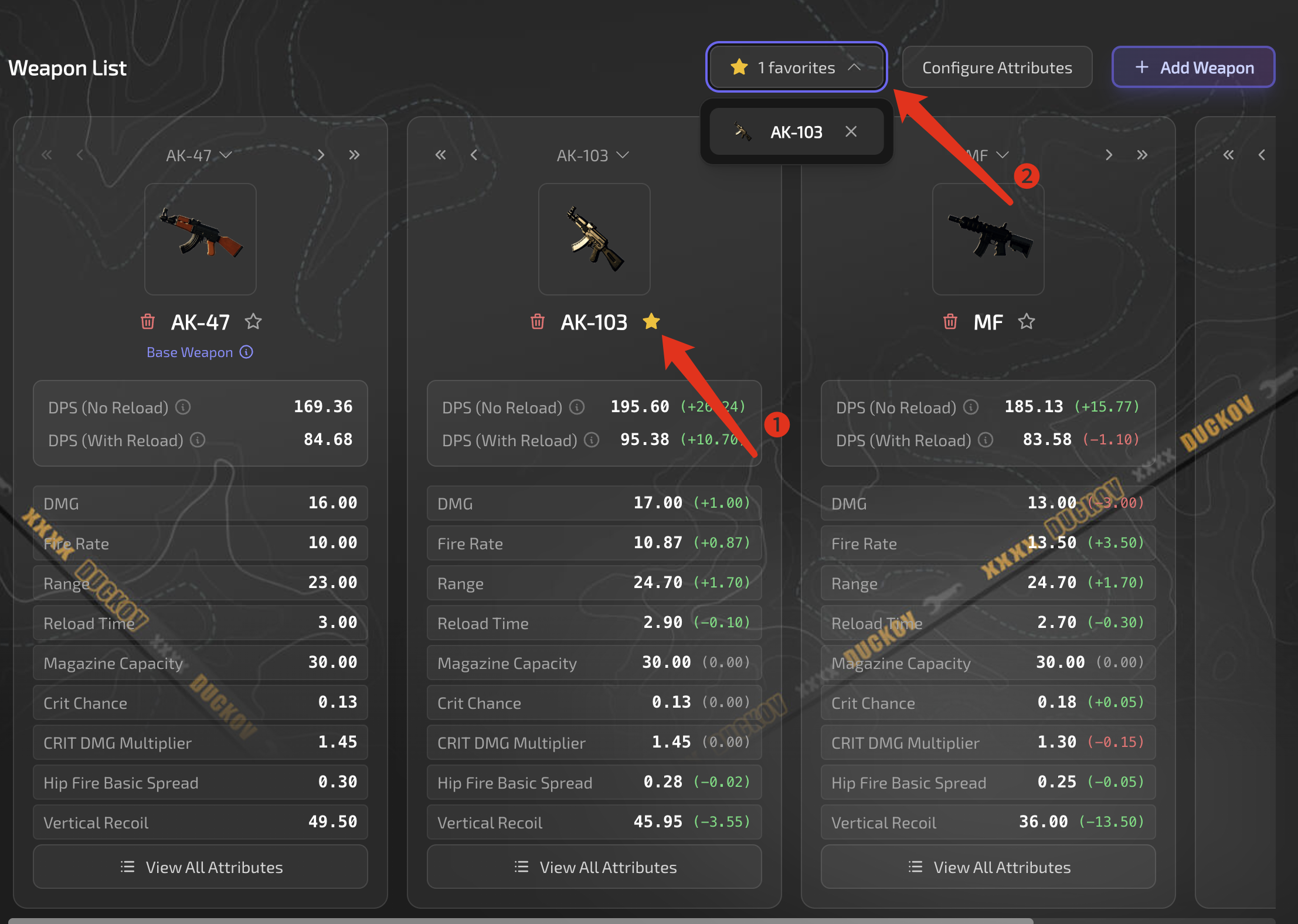
You can favorite weapons, and after favoriting, you can quickly select and add them here.
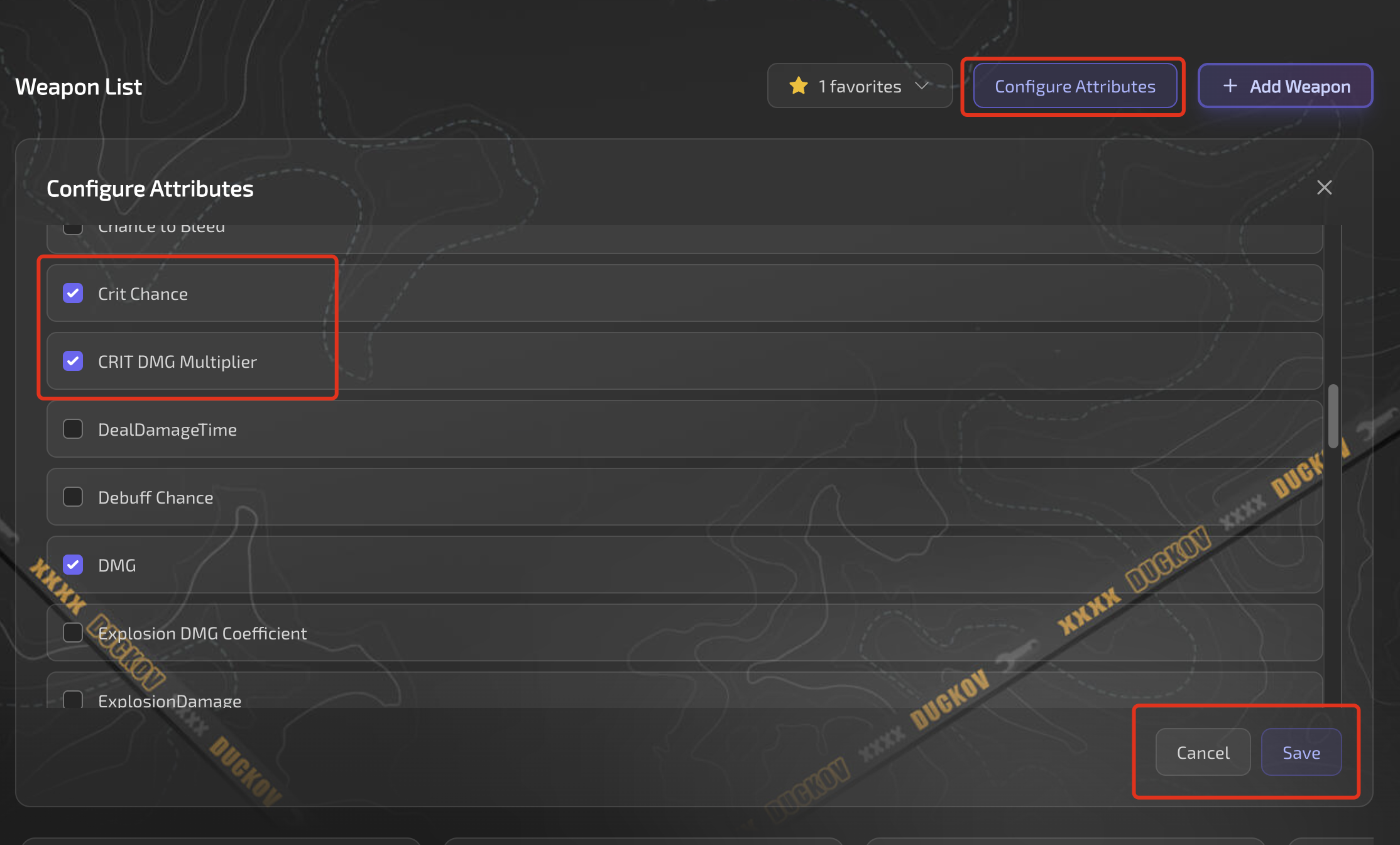
Additionally, you can edit the attributes to compare here.
These custom features use localStorage for storage and are saved locally only. When you clear your browser data, the settings will be reset. This data is not uploaded to the server, so you can use it with confidence.